 ReliCheck MM Studio · Mac + web
Mixed methods software that is actually mixed methods.
Not qualitative software with statistics bolted on. Not a stats package that tolerates quotes. MM Studio is one guided study where both kinds of evidence are equals, and integration is the whole point.
- MM Studio for Mac this download: local, private, works offline
- MM Studio on the web any computer, nothing to install
- ReliCheck MM Studio Field App for iPad Coming soon
Most “mixed methods” tools grew up as something else.
Qualitative packages where numbers feel like a guest. Statistics packages where open-ended answers are a leftover column. Either way, integration gets postponed to the last chapter, and the study ends up as two parallel reports stapled together.
Integration is the spine, not the appendix.
MM Studio was designed as mixed methods from the first decision. You choose a design, convergent, explanatory, or exploratory, and the studio shapes the whole journey around how your strands will meet.
The numbers tell you what changed. The words tell you why, for whom, and at what cost. A finding you can stand behind honors both, and shows its work.
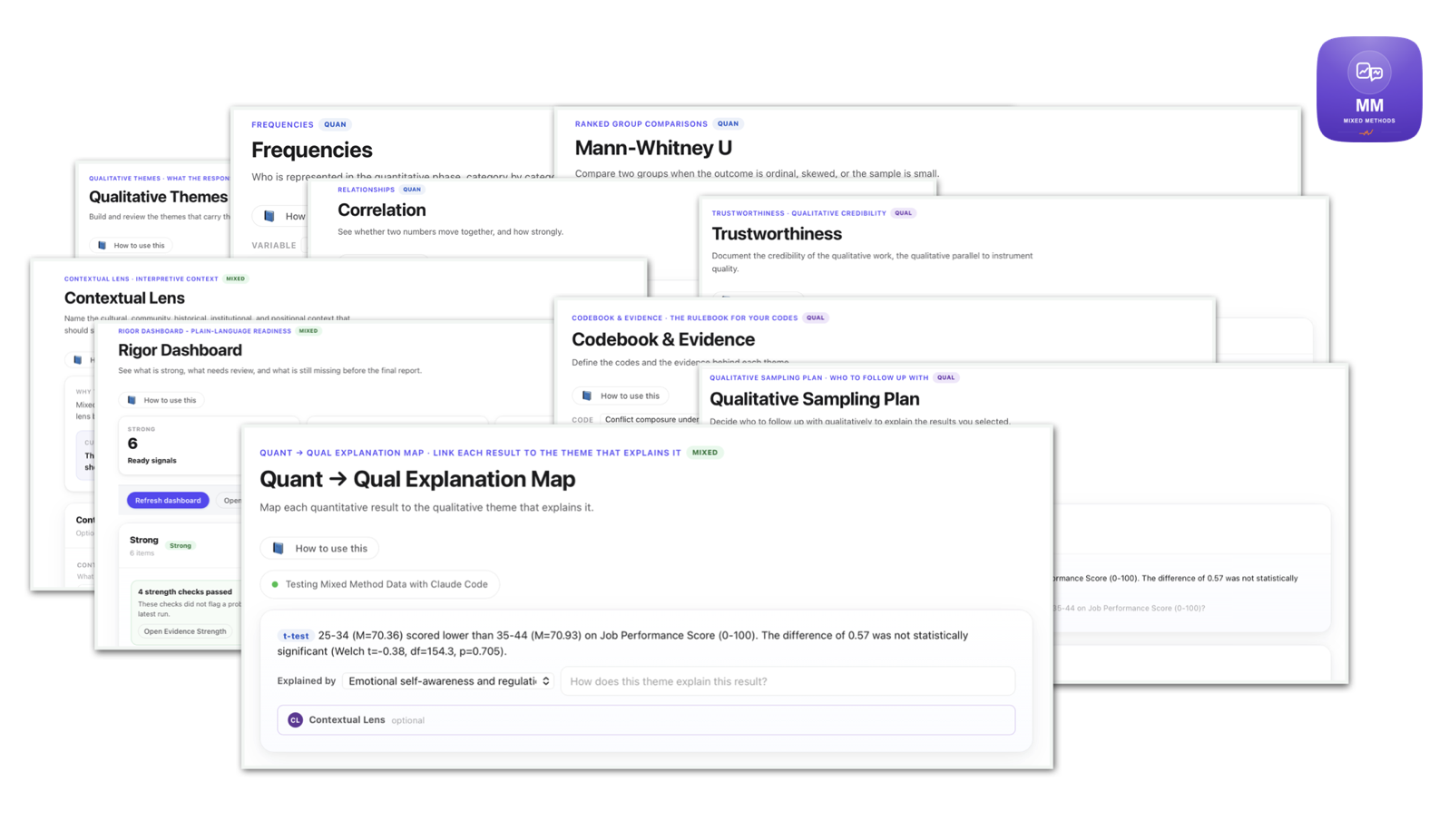
Quantitative, qualitative, and mixed steps live in one project, share one dataset, and inform one another by design.
Inferential tests with assumption checks for the numbers. Codebooks, themes, and trustworthiness for the words. Full rigor on both strands.
Every integrated finding carries its evidence strength, so the conclusion never outruns the data.
Save any result as you work, then assemble an editable report with an APA table for each finding and export it to Word or PDF.
Eight of its nineteen steps are integration steps.
This is the actual MM Studio workflow. Watch where the purple lives: not at the end, but woven through the middle and carrying the study home.
Count the integration steps in the tool you use now. Joint displays, convergence and divergence, meta-inferences, a contextual lens, and an evidence-strength check are not add-ons here. They are the workflow.
Neither qual-leaning nor quant-intimidating.
Researchers come to mixed methods from both directions. MM Studio meets you in the middle and respects where you came from.
Depth, kept rigorous
Theme work, codebooks with evidence trails, theme-by-group comparison, and trustworthiness checks. Nothing assumes you came for the numbers.
The center of the work
Joint displays put scores and quotes in one view. Convergence and divergence treat disagreement as a finding. Meta-inferences say what only the combined evidence can say.
Numbers, kept meaningful
Descriptives, inferential tests, and assumption checks in plain language, without flattening the meaning your qualitative data carries.
Your participants’ words never leave your Mac.
The desktop app runs the entire analysis locally: statistics, themes, integration, reports. Signing in does one thing only, confirm your subscription. Then it works offline for weeks at a time.
AI assistance is optional and on your terms: Apple’s on-device intelligence, or your own OpenAI or Claude key. ReliCheck never sees your data either way.
IRB-friendly by architecture: transcripts, responses, and results stay on your machine.
Field sites, flights, restricted networks. The studio keeps working and quietly reconfirms your subscription when you are back online.
MM Studio on the web and the Mac desktop with the same account. The iPad field app is coming.
We build it this way because something matters in your data.
A retention number that moves. A teacher who tells you why. Neither alone is the finding. MM Studio exists so the evidence that matters most never gets left in the gap between the score and the quote.
Three steps to your workspace.
Install
Open the disk image and drag ReliCheck MM Studio into Applications. Everything it needs is inside, nothing else to install.
Sign in
Use your ReliCheck account. That single check is the only call the app makes to ReliCheck.
Analyze
Bring in a dataset from your Mac or pull your ReliCheck survey responses, then follow the nineteen steps to an integrated report.
Run your next study as one study.
14-day free trial. One subscription for web and Mac. Academic and professional rates.